.svg)
MARKLY
MARKLY
Organize and inspect designs, share brands & assets across your team. Enjoy unlimited design collaboration, handoff in one safe place.
Works on MacOS Sierra (10.12) or newer




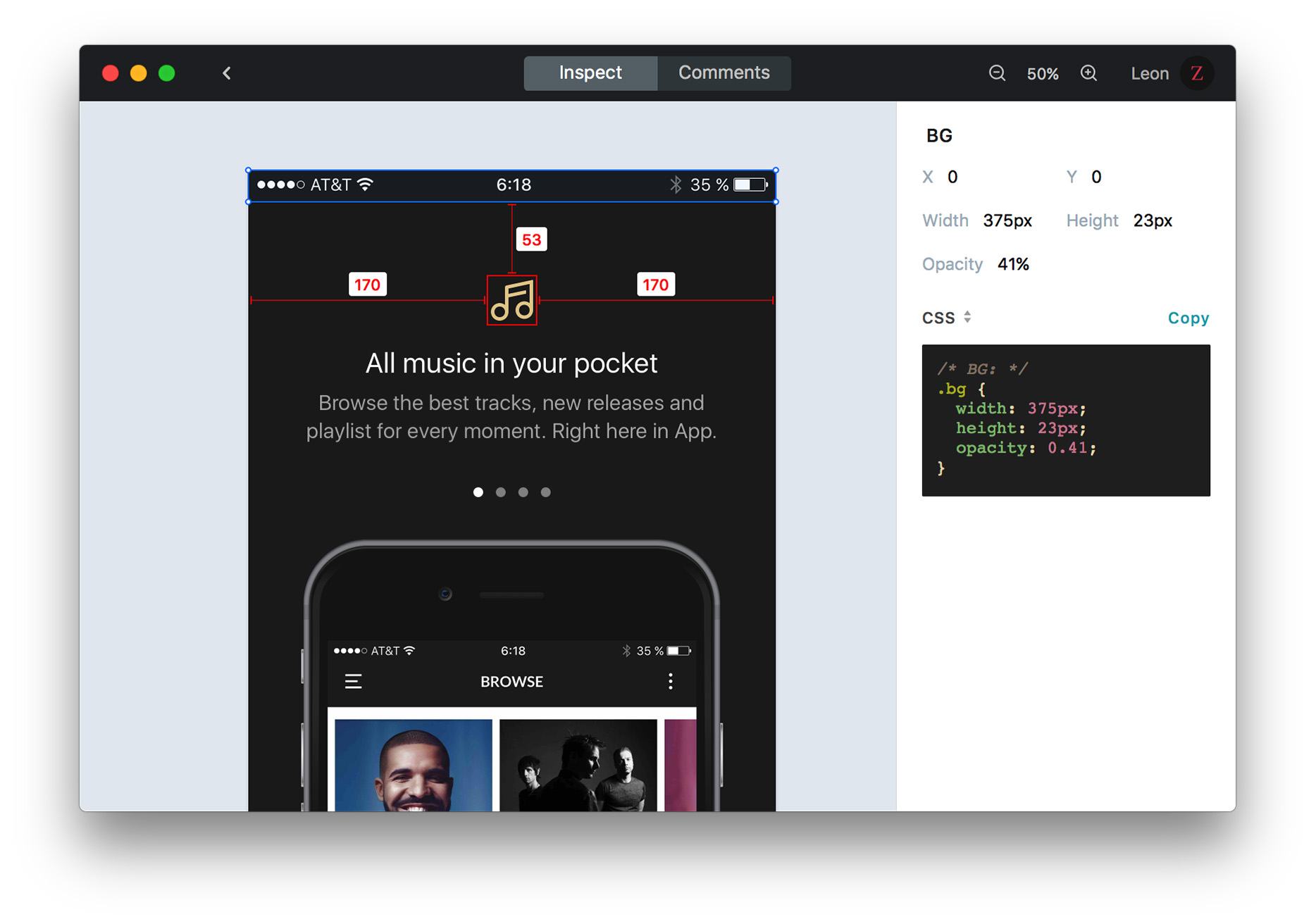
Import Sketch design files into Markly with one click, and share with developers or clients.
Developers can inspect design specs, copy layer info, export and save assets, generate CSS, JavaScript, Sass, Less, etc. code. The developer / design handoff workflow helps your team deliver product faster.
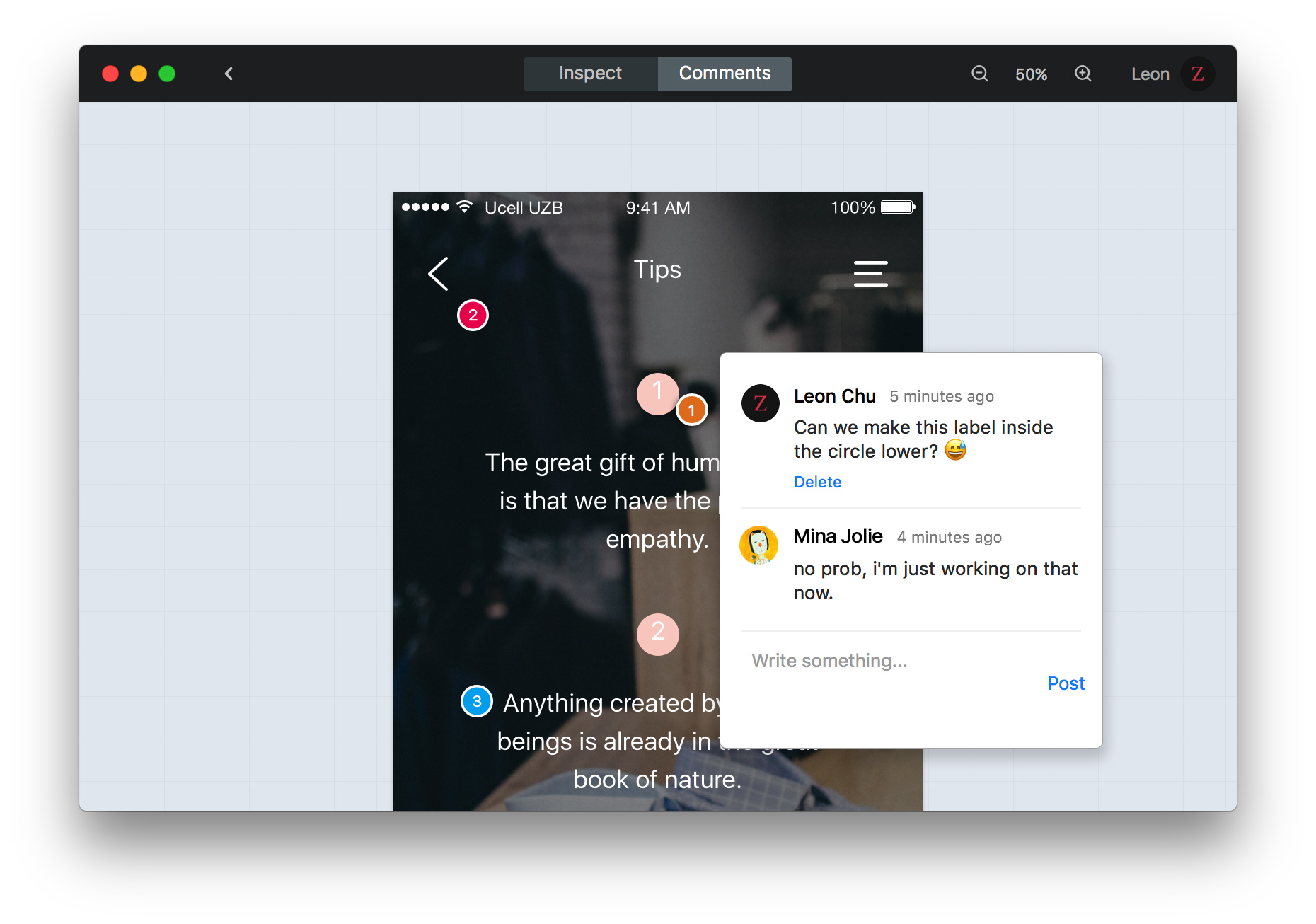
Any project member can join the realtime collaboration by leaving a visual comment / annotation on design files, helping the design team to collect feedback and improve their work.
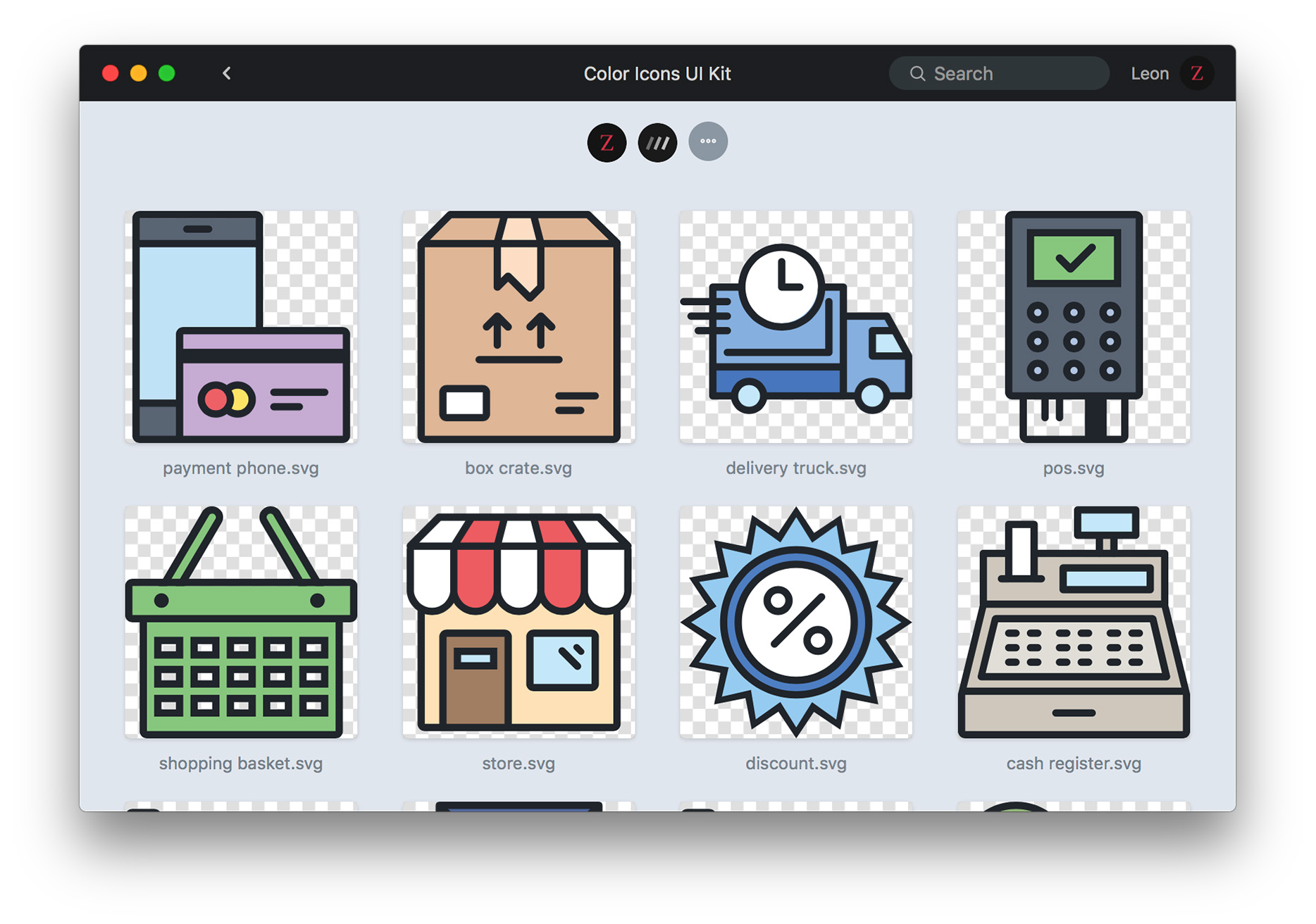
Drag any icon, logo, or design template to Markly, and every invited designer can sync these UI resources automatically!
By building a shared cloud design library, you keep your design workflow efficient and unified. Every designer in this system can work independently, but not isolatedl
by integrating into your workflow with lightweight tools

Built on Google Drive, team members can work together instantly after logging in Markly. No extra configuration.

The data syncs directly between your computer and Google Drive, without touching 3rd-party servers.

Have questions or feedback? Drop us a line at team@marklyapp.com. We'd like to hear from you! 👩💻
Download Markly for macOS to enjoy unlimited collaboration, fast design handoff / spec, and make amazing things.